
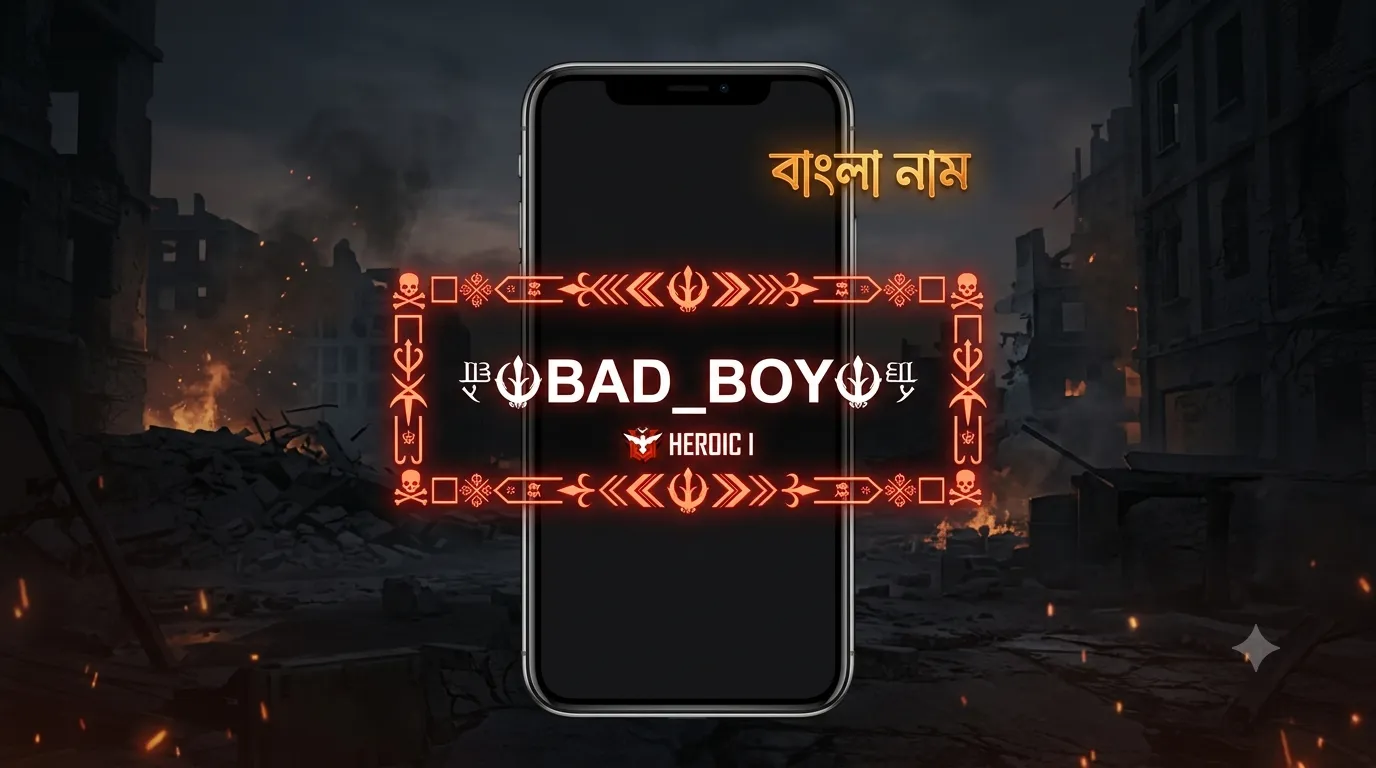
Free Fire Bengali Name Style 2026 — বাংলা নাম ডিজাইন Guide
You type your Bengali name into Free Fire’s nickname field. You hit save. Instead of your name, you see a row of empty boxes staring back at you. This happens to almost every Bangladeshi player who tries it, and it has nothing to do with your phone or your typing. It’s a font limitation built into the game itself.
The fix isn’t finding a “better” Bangla font. It’s understanding exactly what Free Fire can and can’t display, then designing around that limit. This guide walks through why the boxes appear, how the 12-character limit actually works, and which Bengali-identity name styles render correctly in-game in 2026.
Does Bengali Script Actually Work in Free Fire?
No. Pure Bengali letters like ক, খ, গ, ঘ show up as empty boxes inside Free Fire, because the game client doesn’t load Bengali Unicode font ranges. Free Fire is built to render a limited set of Unicode blocks — mostly Latin script, mathematical symbols, and decorative Unicode ranges used for gaming-style borders. Bengali script sits outside that supported range entirely.
This is a client-side limitation, not a server or account issue. Every player who tries pasting Bangla letters into their nickname sees the same result, regardless of device, region, or Free Fire version.
Why Facebook and Instagram Don’t Have This Problem
Facebook, Instagram, and WhatsApp all render full Bengali script correctly, because their apps load the complete Unicode Bengali character set as part of normal text rendering. Free Fire, like most competitive mobile games, only loads a narrower font package to keep the app lightweight. That’s the entire difference. It’s not a policy restriction — it’s a technical one.
What Does Render Correctly
Symbol-framed styles work perfectly in Free Fire, because borders like ꧁☬ ☬꧂ and ★彡 彡★ use mathematical and decorative Unicode ranges that the game’s font package does support. So the workaround isn’t avoiding decoration — it’s choosing the right kind of decoration.
How Free Fire’s Character Limit Works for Bengali Names
Free Fire caps player nicknames at 12 characters as of the current OB update, and every symbol, letter, and space counts toward that total. This matters more for decorated names than plain ones, because a border alone can eat half your character budget before you’ve typed your actual name.
Take a style like ꧁☬নাম☬꧂. Even though the Bengali letters inside won’t render, if you were to use a transliterated version like ꧁☬RAKIB☬꧂, you’d be looking at roughly 11–12 characters once you count the border symbols. That leaves almost no room for anything else.
The practical rule: keep your actual name to 5–6 characters, and let the border use the remaining space. A name like “Nayeem” fits comfortably inside a short symbol frame without hitting the limit or getting truncated mid-symbol during a match.
Why Shorter Names Perform Better
Free Fire compresses nicknames in lobby lists, kill feeds, and squad menus. A 12-character decorated name often gets visually cut off in these compressed views, even if it technically fits the limit. Shorter names — 5 to 8 characters including light framing — stay fully readable everywhere in the game’s interface, which is why competitive players in Bangladesh and across South Asia consistently favor tighter names over heavily decorated long ones.
How to Design a Free Fire Bengali Name Style Step-by-Step
The reliable method is picking a short transliterated name, then wrapping it in a Unicode symbol border from a category built for gaming compatibility. Here’s the exact process:
- Open the tool. Go to the Bangla Stylish Name Generator and type your name. Bengali script input is fine at this stage — the generator also produces transliterated and symbol-based variations from it.
- Switch to a game-safe category. Use the Gaming, VIP, or Popular tabs specifically. These use the Unicode symbol ranges confirmed to render inside Free Fire, unlike the pure-script Bengali categories built for Facebook and Instagram.
- Check the character count. Count the full styled name, borders included, against Free Fire’s 12-character cap before committing to it.
- Copy and paste. Tap any style card to copy it as plain text. No screenshot, no image, no special keyboard needed.
- Test it in-game. Open Free Fire, go to your profile, and paste the name into the nickname field. If any part shows as a box, go back and pick a different symbol style rather than trying to force Bengali script through.
This same workflow works whether you’re setting up a solo profile or coordinating matching names across a squad — just repeat step 1–4 for each teammate’s name.
Best Free Fire Bengali Name Style Ideas for 2026
Here are the framing patterns performing best among Bangladeshi Free Fire players this year. Swap in your own name or a short transliteration for any of these:
- Classic border: ꧁☬NAME☬꧂ — the standard Free Fire clan-tag look, highest compatibility across devices
- Star frame: ★彡NAME彡★ — minimal and clean, reads well in fast-moving kill feeds
- VIP crown style: 『👑』NAME『👑』 — signals status without over-decorating
- Legend bracket: 亗『LEGEND』亗 — strong choice for clan or squad identity
- Bold Unicode: 𝐍𝐀𝐌𝐄 with a light symbol accent — stays readable even at small mobile sizes
Category Comparison for Free Fire Use
| Category | Renders in Free Fire | Best For |
|---|---|---|
| Gaming | Yes | Clan tags, squad identity |
| VIP | Yes | Status-focused profiles |
| Popular | Yes | General-purpose, highest compatibility |
| Symbol | Mostly, check device | Minimal decorative accents |
| Pure Bengali script | No | Facebook, Instagram, WhatsApp only |
If you’re setting up a name specifically for competitive play rather than casual profiles, the Free Fire Name Generator is built around this exact use case, with clan-tag and pro-style framing as the default output.
Free Fire Bengali Name vs. Facebook, Instagram, or WhatsApp Bengali Name
The core difference is font support: Free Fire only reads symbol Unicode ranges, while Facebook, Instagram, and WhatsApp all read full Bengali script correctly. If you want a consistent Bangla identity across every platform you use, you’ll need two versions of the same name concept, not one identical string pasted everywhere.
| Platform | Full Bengali Script | Symbol Borders | Character Limit |
|---|---|---|---|
| Free Fire | No | Yes | 12 characters |
| Yes | Yes | 50 characters | |
| Yes | Yes | 30 characters | |
| Yes | Yes | 25 characters |
For Facebook, you can go full Bengali script with the Facebook Style Generator and it’ll display exactly as shown in the preview. Same for Instagram bios and usernames through the Instagram Style Maker, and for WhatsApp display names through the WhatsApp Stylish Name Generator. Only Free Fire — and generally other mobile games with similar lightweight font packages — needs the symbol-only workaround.
Common Mistakes When Making a Free Fire Bengali Name
Most rendering complaints trace back to one of three avoidable mistakes: pasting raw script, ignoring the character limit, or picking symbols from an unsupported Unicode range.
Pasting Bengali script directly. This is the single most common mistake. It always results in boxes, regardless of device or Free Fire version, because the client simply doesn’t have the font data to display it.
Overloading the character limit. A heavily bordered name that looks great in the generator preview can get silently truncated at 12 characters inside Free Fire, cutting off the closing symbol and leaving an unbalanced-looking name.
Using rare extended Unicode symbols. Some decorative characters, particularly in less common Symbol subcategories, don’t render on older Android devices even outside of Free Fire. If a symbol looks like a box in your own preview, other players will likely see the same thing. Stick to Popular, Gaming, or VIP categories for the safest results.
Frequently Asked Questions
Q: Why does my Bengali Free Fire name show as boxes? Free Fire’s client doesn’t load Bengali Unicode font ranges. It happens to every player, not just your device — switch to a symbol-framed style instead of pure script.
Q: What’s the character limit for Free Fire nicknames in 2026? 12 characters as of the current OB update. Every letter and symbol counts, including borders.
Q: Can I still express a Bengali identity in Free Fire if the script won’t render? Yes. Use a transliterated name like “Rakib” or “Nayeem” inside a Gaming or VIP symbol frame from the Bangla Stylish Name Generator.
Q: Do the same symbol-border styles work in PUBG Mobile? Generally yes, since PUBG supports similar Unicode symbol ranges, but character limits and exact rendering can differ. Always check the in-game preview before saving.
Q: Will a stylish Bengali name get my Free Fire account flagged? No. Unicode symbol borders are standard international characters, not exploits. Garena’s OB44 documentation confirms Unicode support in nickname fields. Only symbol-only strings with no readable name attached risk review.
Q: Can I use the same name on Free Fire and Facebook? Not identically. Use a symbol-framed transliteration for Free Fire and the full Bengali-script version for Facebook, since Facebook fully supports the script Free Fire can’t display.
Q: How often can I change my Free Fire name? Free Fire allows nickname changes, though frequent changes may require in-game currency depending on your current settings — check your profile screen for the exact cost shown to you.
Q: Are there Bengali-specific categories on the generator, or just general ones? The Bangla Stylish Name Generator includes dedicated Bengali script categories for social platforms, plus Gaming, VIP, and Popular categories built specifically for game compatibility.
Q: What if I don’t want a Bengali-themed name at all? The English Stylish Names generator covers 250+ pure Unicode styles if you’d rather skip transliteration and Bengali theming entirely.
Q: Does this same box-rendering issue affect Urdu or Arabic names in Free Fire? Yes, for the same reason. Free Fire doesn’t load Nastaliq Urdu or Arabic calligraphy font ranges either, so the symbol-border workaround applies the same way across all three scripts.